Opal weekly recap
Only Opal-related work · Mar 30 – Apr 5
Product / design / prototype / infra

Everything Opal we touched last week.

The week clustered around five real themes: Home Journey, onboarding, cross-platform parity, Autofocus / browser experiments, and OpalOS Android. The biggest throughline was simple: make the product feel more concrete, more embodied, and more obviously useful.

5 Opal workstreams
3 live links verified
1 iOS vs Android parity audit
1 Android prototype confirmed runnable
01 · Home Journey

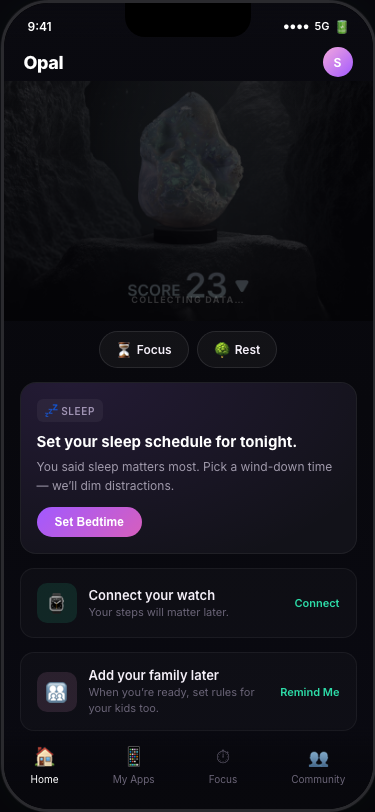
Home Journey stopped being generic and started getting personal.

We recovered the whole project context, checked the live state, and then shifted the redesign goal away from a generic “14-day theater” into something much more grounded: make the home feel like Sally’s actual screen.

What we did

  • Recovered the working local project, Figma anchors, and the live deployment path.
  • Verified the current live page and re-centered the work around the real Sally persona.
  • Shifted the product goal from “story about Sally” to “Sally is the user inside the UI.”

Key product decisions

  • Lead with sleep, family control, and rules/consequences instead of abstract wellness language.
  • Keep the structure closer to Figma, but simplify the feed to one suggestion card + 3–4 widgets.
  • Make the phone mockup feel owned by Sally, not like a generic Opal demo shell.
02 · Onboarding

The onboarding got a stronger soul — and a clearer usability problem.

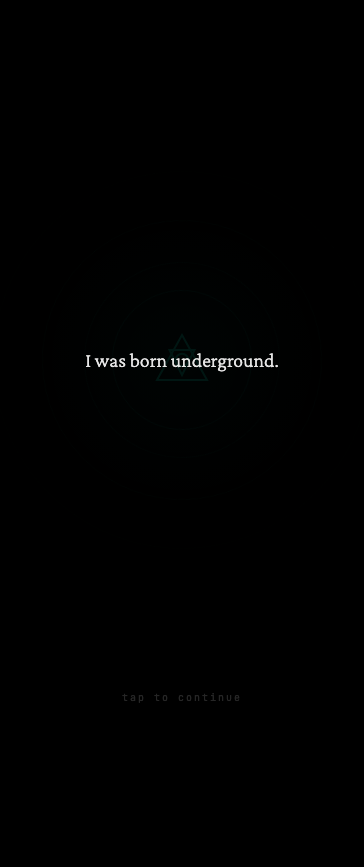
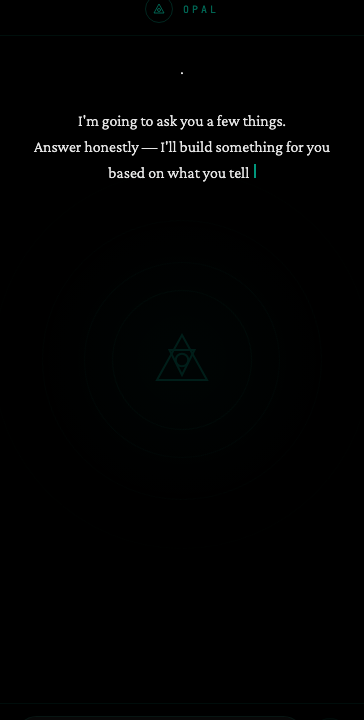
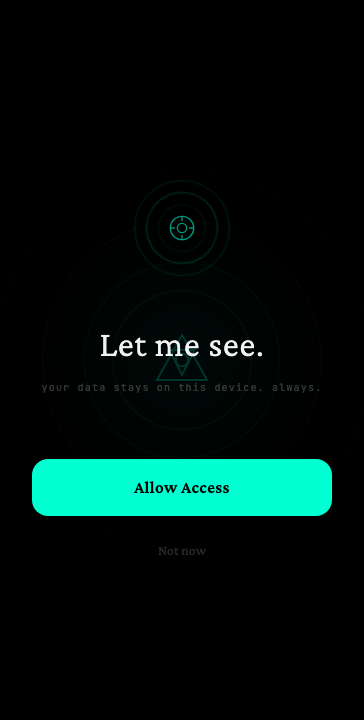
We first audited the chat-onboarding prototype, then pushed it toward a more ancient-tech / Sheikah direction, then pressure-tested it through a Sally walkthrough. The aesthetic got more distinctive; the practical gaps also got easier to name.

What landed

  • Chat is good for compressing boring intake steps.
  • Full-screen beats are better for permission asks, reveals, and the “pact” moment.
  • The oracular / artifact framing makes Opal feel more singular than standard SaaS onboarding.

What broke through

  • The mythology is memorable, but practical users need the product value surfaced earlier.
  • The family / kids device setup flow is still the biggest missing piece.
  • The flow length — roughly 17 screens in one version — looks like a real drop-off risk.
03 · iOS vs Android parity

The parity audit showed real product drift, not just polish debt.

We ran a cross-platform Figma audit focused on v4 surfaces like Onboarding, Autofocus, Settings, Rules, Profile, Stats, Apps, and Timer. The big story was not tiny visual mismatch — it was that iOS looked materially further ahead in key areas.

Largest gaps

  • Onboarding and Autofocus appeared significantly more mature on iOS.
  • Settings, Rules, Apps, Profile, Stats, and Timer all showed structural or copy-level mismatch.
  • Some differences were basically IA/product differences, not design tokens gone slightly wrong.

Why it matters

  • It makes it harder to talk about “the product” as one coherent system.
  • Cross-platform product reviews need to focus on feature/state parity, not just screenshots.
  • Autofocus is now a clear parity watchpoint, not a side note.
04 · Autofocus / browser

The Autofocus idea got more specific: the model should actually see the page.

We recovered the earlier Opal Focus extension work, then pushed the new thinking toward a screenshot-driven Autofocus layer. After that, the idea simplified again into a tighter X-specific digest concept. The important part wasn’t the exact product shape — it was the architectural conviction underneath it.

Direction

  • Keep the old distraction-removal behavior as a useful foundation.
  • Make Autofocus more LLM-native and screenshot-aware instead of metadata-only.
  • Eventually simplify experiments when needed, rather than dragging legacy complexity forward.

Main takeaway

  • Vision-based inference is the real unlock.
  • If the system can actually see the page, it can intervene with more confidence and less guesswork.
  • The X-only digest concept also hinted at a lighter-weight consumer surface than a full detox extension.
05 · OpalOS Android

OpalOS kept moving from idea-space toward demo-space.

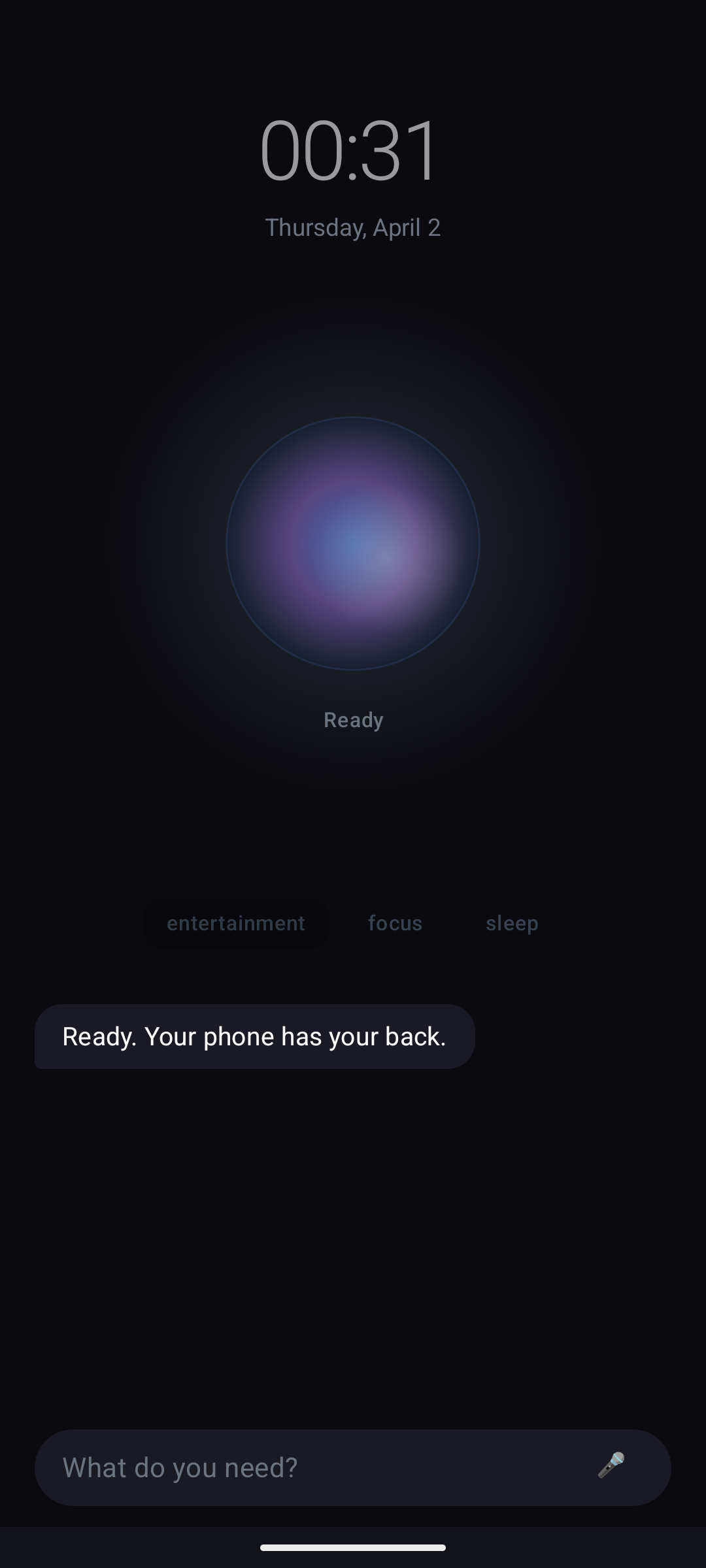
On the Android side, we confirmed the prototype could actually run in the emulator, kept shaping the UI surfaces, and revisited chat / overlay issues. It feels much more real than a doc-only concept now — but it still has a few blocker-grade UX problems before it feels clean enough to trust.

What advanced

  • Confirmed the app builds, installs, and launches in the Android emulator.
  • Expanded the system into four modes: Utility, Entertainment, Focus, and Sleep.
  • Upgraded some surfaces away from mock content toward real app/state-driven UI.

Current rough edges

  • Overlay persistence and app reopen loops still look like real dogfood blockers.
  • Image sending in chat was only partially wired — UI affordance moved forward faster than the full pipeline.
  • The product is demo-able, but not yet frictionless enough for daily use.
06 · Throughlines

The week’s Opal learnings, compressed.

Make Sally the user, not just the subject. That insight sharpened both Home Journey and onboarding critique.
Myth only works if utility lands fast. The Sheikah direction is strong, but it can’t obscure what Opal actually does.
Platform drift is product drift. The parity audit showed that iOS/Android gaps are structural enough to matter strategically.
Autofocus should see the page. The stronger version of browser Autofocus is screenshot-aware, not just metadata-aware.