Opal and Hermes implementation updates.
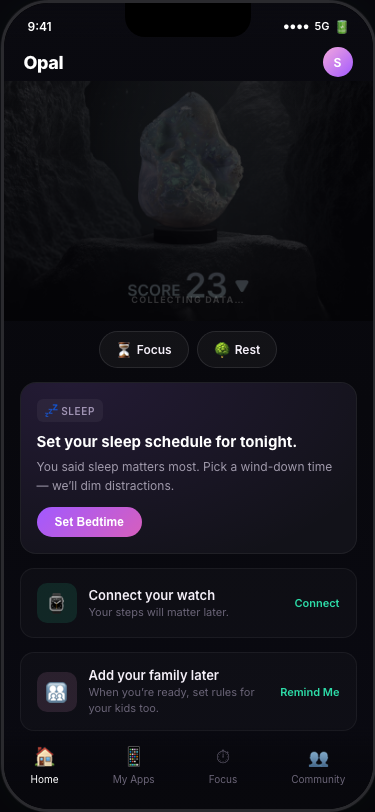
What it is: A React prototype of the core Opal V4 feed, centered around the actual "Sally" research persona (a stay-at-home mom focused on family screen-time governance and sleep).
What we did: We discarded the abstract 14-day narrative format from v1 because it read like a case study. We rebuilt the UI to look and act directly like Sally's actual phone screen, featuring a primary bedtime-focused suggestion card and supporting widgets (Focus Report, Insights, Family usage) matched to the latest Figma designs.
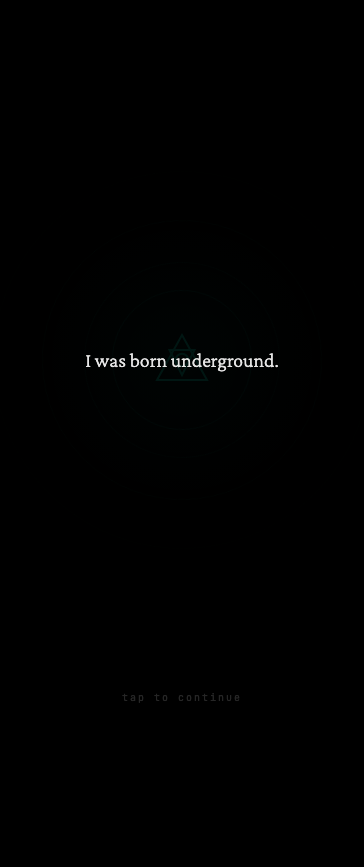
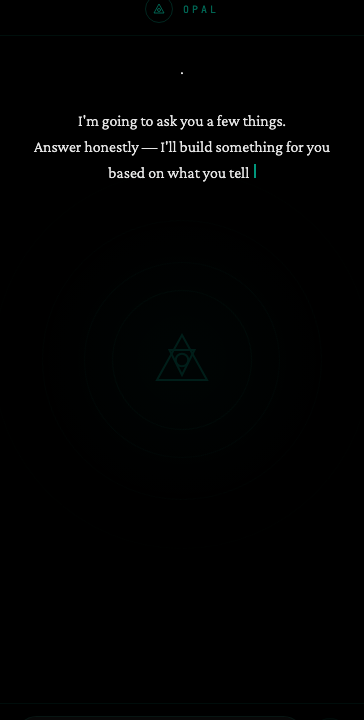
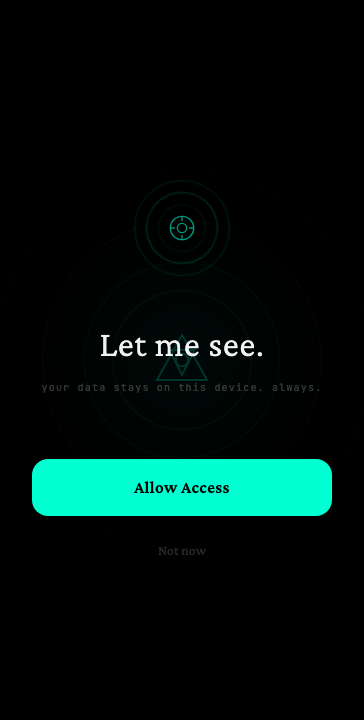
What it is: An exploratory, chat-based onboarding flow prototype testing a dark, ancient-tech "Sheikah Slate" aesthetic.
What we did: We built the interactive 4-act flow (cinema → conversation → covenant → crack). Testing it against the Sally persona revealed a flaw: 8 screens of mythology before understanding the product's utility is too much. The aesthetic works and feels singular to Opal, but the sequencing needs to weave in immediate utility (like family device setup) from the start.
What it is: An automated design and structural audit mapping discrepancies between the Opal V4 Figma files for iOS and Android.
What we did: We pulled the full section/frame trees via the Figma REST API and parsed them algorithmically. The audit revealed the divergence isn't just missing colors or paddings—it's product decisions: "Personalized Onboarding", "Permissions Fallback", and the entire "Autofocus" feature exist on iOS but are completely missing from the Android file.
What it is: A proactive, LLM-driven Chrome extension that evaluates browser activity (deep focus vs. social drift) to generate contextual interventions and strip out addictive elements.
What we did: We completely rewrote the backend Cloudflare Worker, swapping the slow Gemini 5-frame screenshot buffer (2.5min latency) for an OpenRouter/Grok implementation that assesses behavior entirely on tab metadata (domains, scroll velocities, active periods) in ~0.4s. Visual analysis is now constrained only to hiding specific CSS selectors in severe "drift" states.
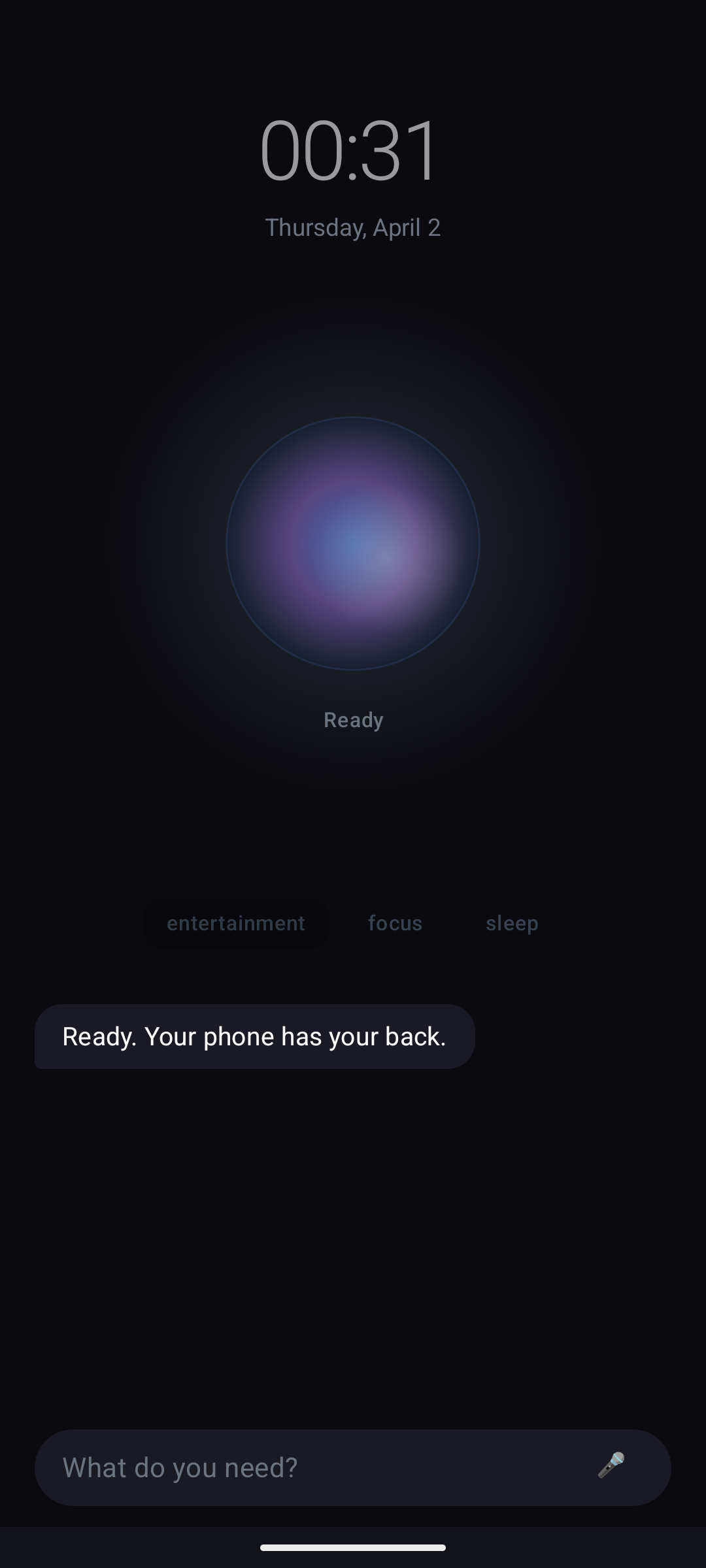
What it is: A Kotlin/Compose-based Android launcher replacement overlay that restricts user actions through four hard states: Utility, Entertainment, Focus, and Sleep, enforced by an LLM agent.
What we did: Solved the Java 17/21 compiler conflicts to successfully build the project to match Android API 35. Deployed the overlay via TYPE_APPLICATION_OVERLAY preserving a 140dp bottom safe-area to keep native system navigation functioning. The LLM connection to the user chat is functional, but two blockers remain before dogfooding: CTA-based app-reopen lock loops, and an unmapped frontend component for the image picker.
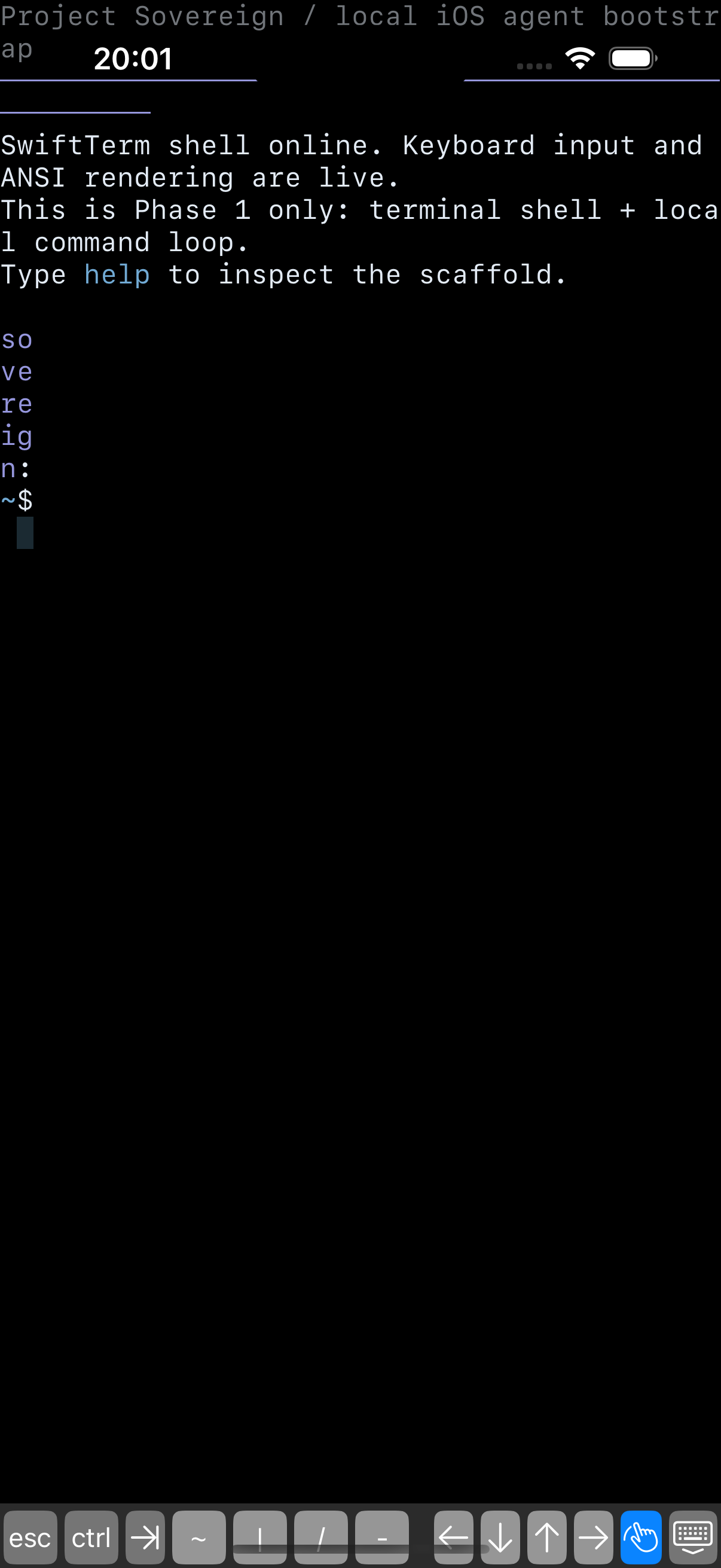
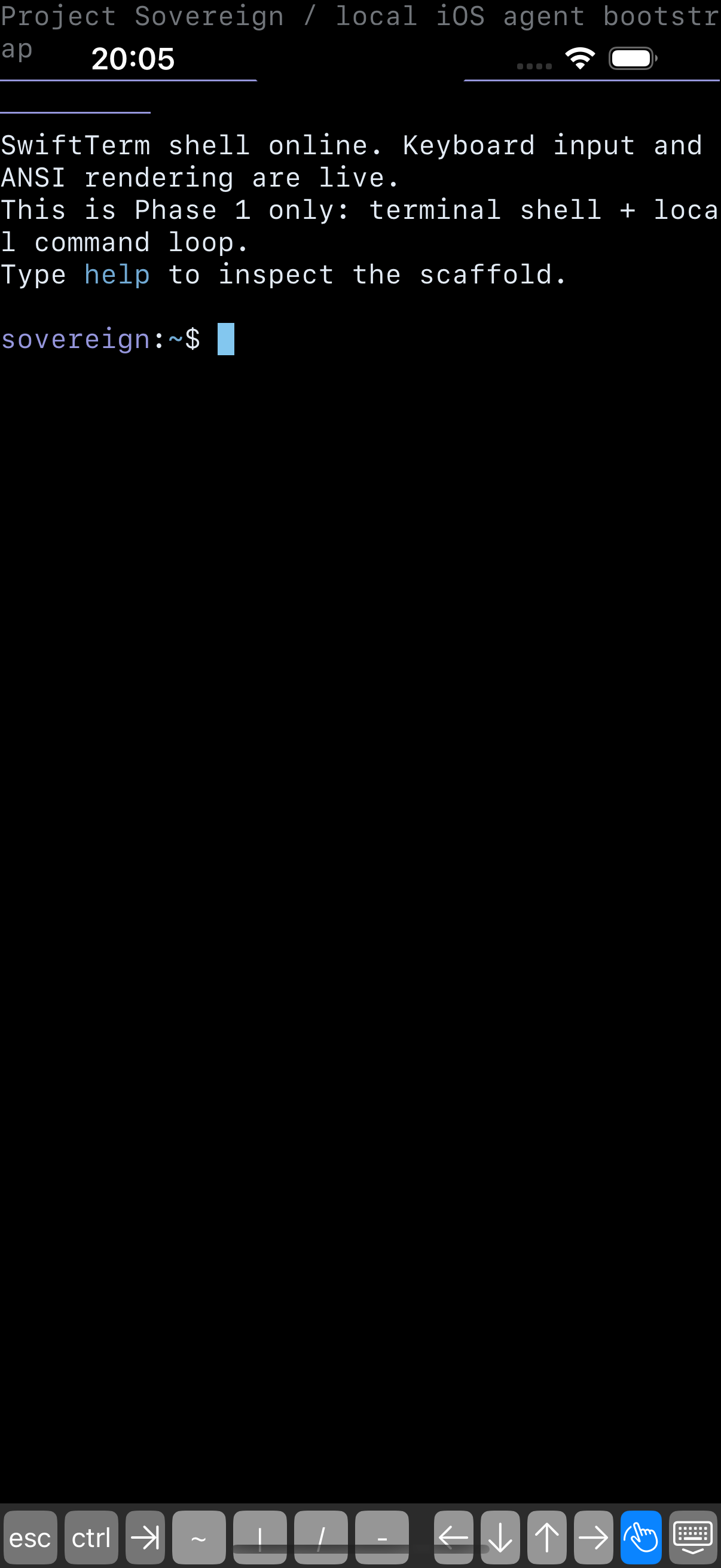
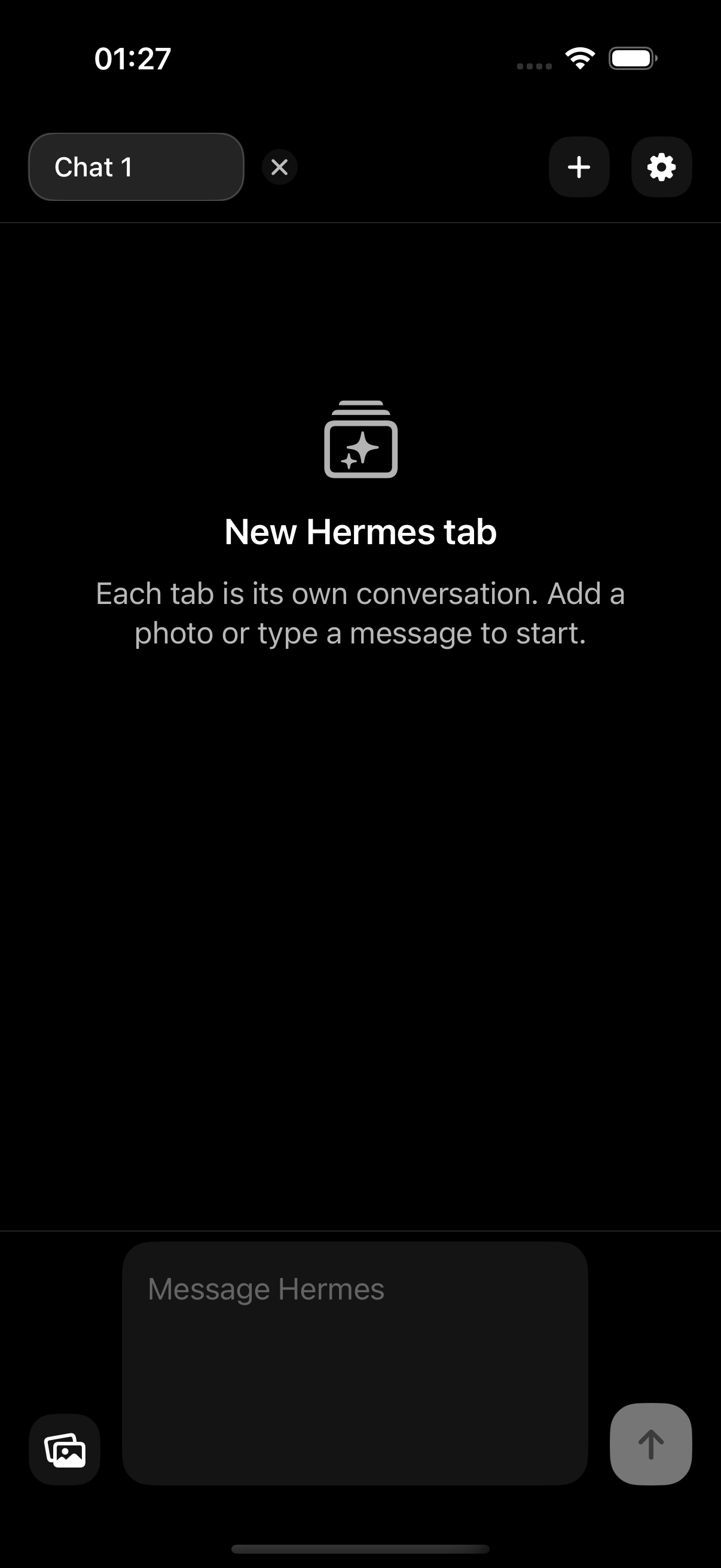
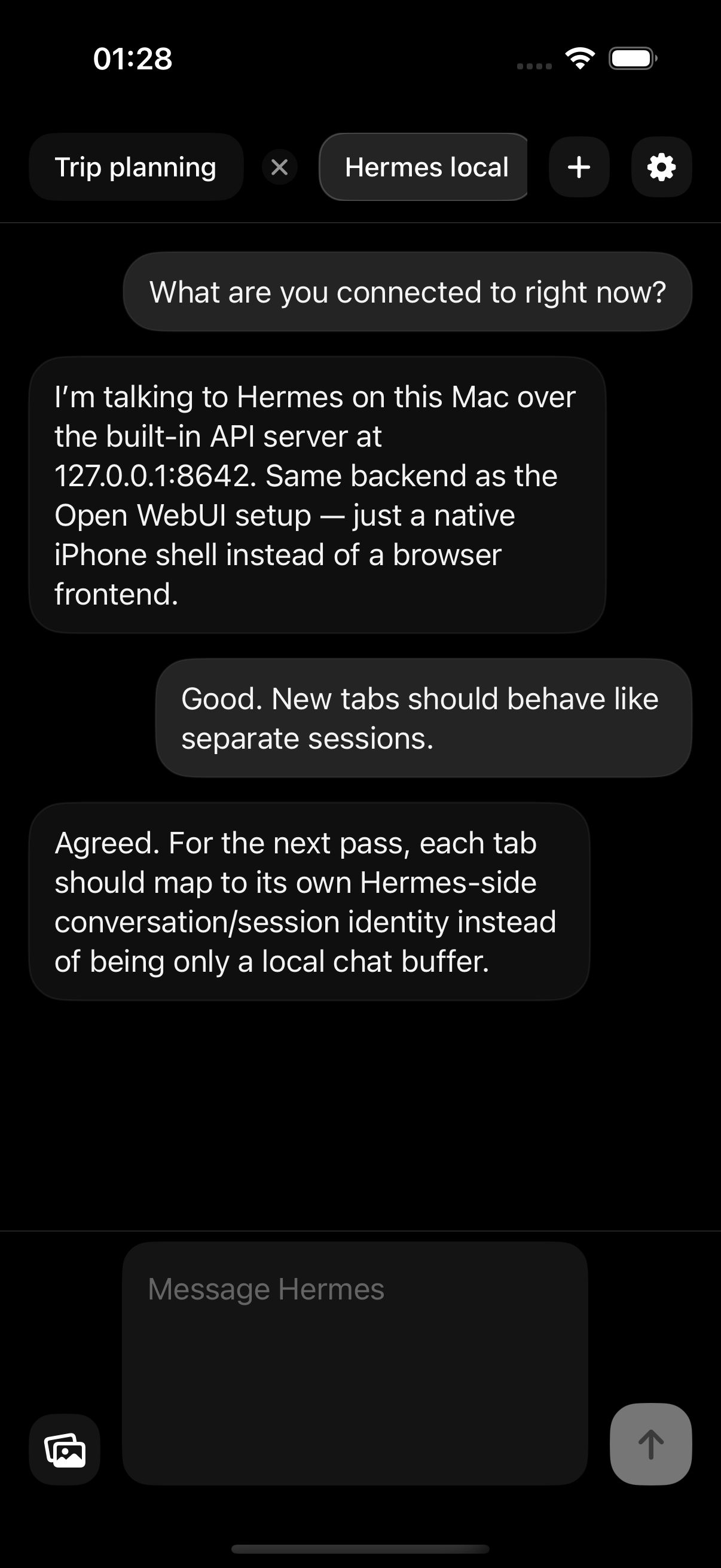
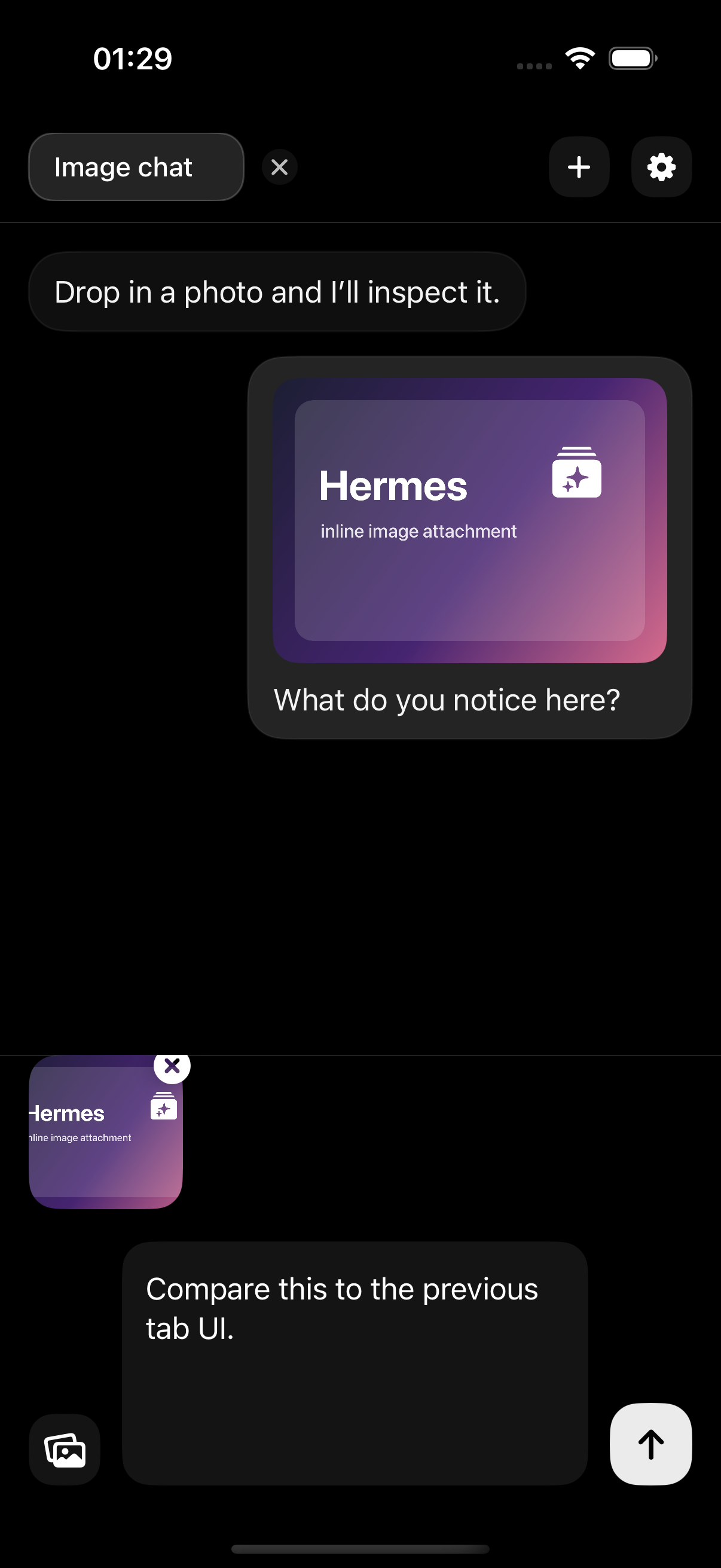
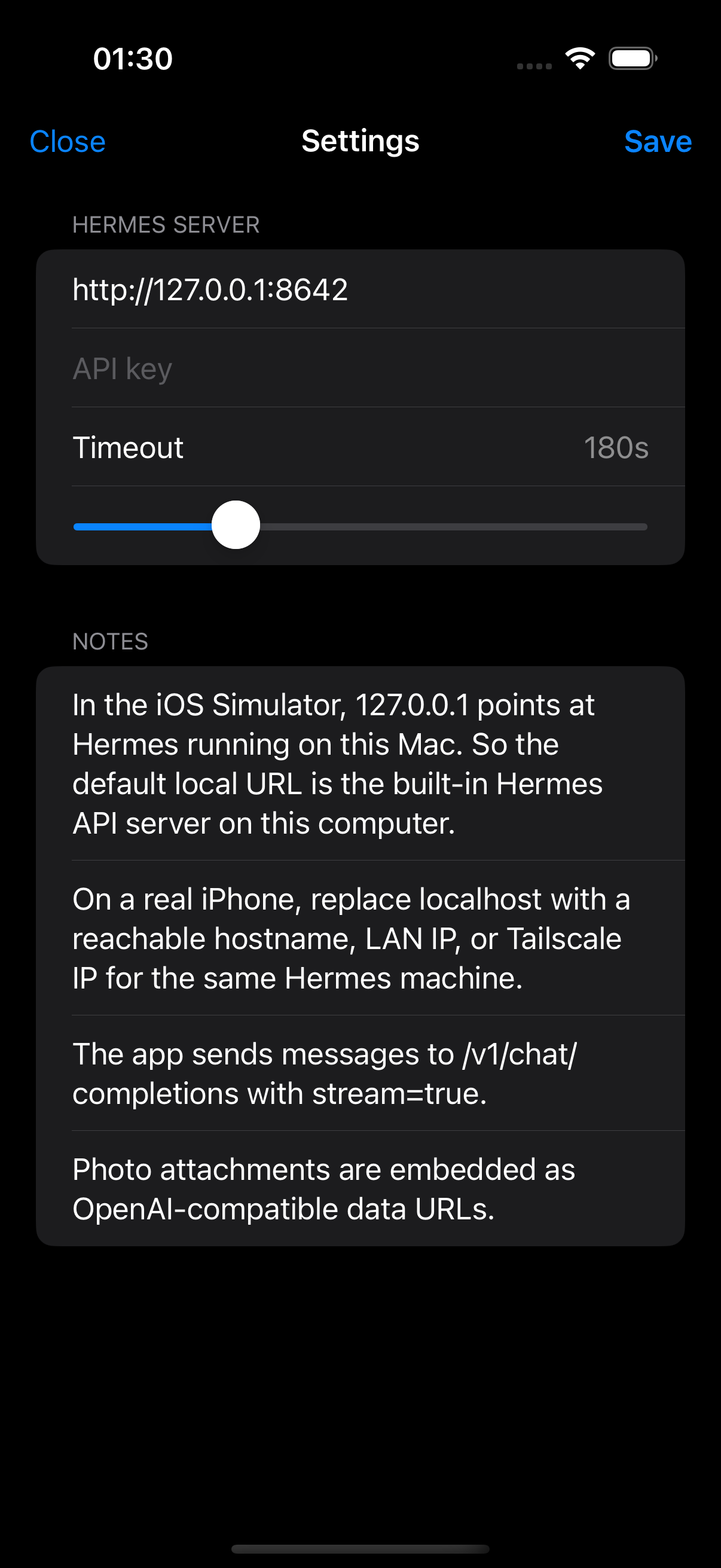
What it is: Two paths for running the Hermes API connection on Mobile: Sovereign, an offline-native prototype attempting to embed Python within an iOS sandbox, and Tabs, a pragmatic network-first client resembling Safari tabs.
What we did:
1. Hermes Sovereign: Bootstrapped an iOS Application Support directory to act as a hermes-home and wired up Python 3.13 via BeeWare's Python-Apple-Support bridging to a SwiftTerm VT100 UI. Ultimately hitting a cross-compilation wall as pydantic_core and jiter demand Apple Silicon macOS native binaries to bootstrap the logic.
2. Hermes Tabs: Built a native SwiftUI tab-per-conversation chat client streaming text via SSE. Rewrote the frontend composer binding (escaping a massive frame/invalidation cost dropping FPS) and fixed the public proxy endpoint at opal-agent.decemberclaw.com to relay full contextual history array back instead of solitary messages.